Serious tools for playful people.
You bring your strategy. We bring the gear.
Get unlimited access to Christopher Hopper's personal NinjaTrader 8 indicators, custom add-ons, and a kick-ass, fully integrated trade journal, along with inclusion in the Pogfish members-only Discord server. Access includes indicator tutorials, training videos, and member live streams.
- $29.99Per month
- NinjaTrader 8Windows only
- US & CanadaLaunch availability

The tools serve your strategy.
Social media is full of people selling trading strategies. I don't sell strategies at Pogfish. I wrote these indicators for my family and friends over several years.
You bring your own strategy and put it to work with my premium indicators. You also get a top-tier trade journal and a community of good people.
 Christopher Hopper, Pogfish Creator
One price gets you all the goods, no hooks or upsells.
Your membership includes Christopher’s indicator suite, add-ons, your own trade journal, and Discord access.
-
48 Indicators (and counting)
Christopher's indicators cover everything from key levels and order flow, to advanced volume profile zones and cumulative delta. The collection also offers new aggregators and position management tools once you're in.
-
9Included add-ons
NinjaTrader add-ons
The add-ons work inside NinjaTrader alongside the indicators. The journal add-on records your closed positions and sends them to your web journal in real time.
-
12Oceanic ranks
Trade journal
Your closed positions go straight to a web journal, with a CSV on your own disk. Logging trading days moves you through the ranks and lets you visualize your trading habits in the Aquarium.
-
Discord trade room
Join the members-only Discord after signing up for membership, and ask questions in the member channels. There is no public invite link.
Your rank grows as you log days.
Log trading days to rise through Mollusk, Sea Horse, Guppy, Minnow, Pilotfish, Remora, Tiger Shark, Hammerhead, Great White, Whale Shark, Blue Whale and Leviathan. Steady repetition carries you higher than one big win.
 Mollusk
 Sea Horse
 Guppy
 Minnow
 Pilotfish
 Remora
 Tiger Shark
 Hammerhead
 Great White
 Whale Shark
 Blue Whale
 Leviathan
$29.99Per month
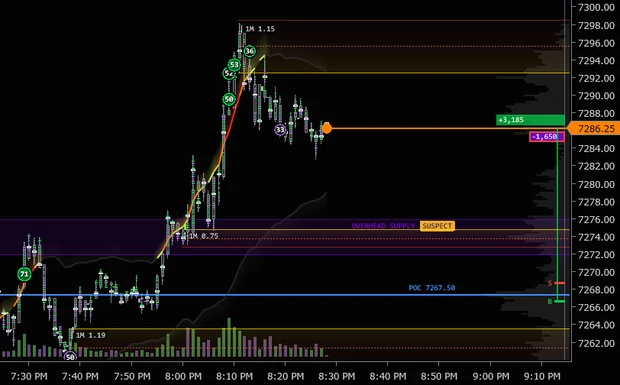
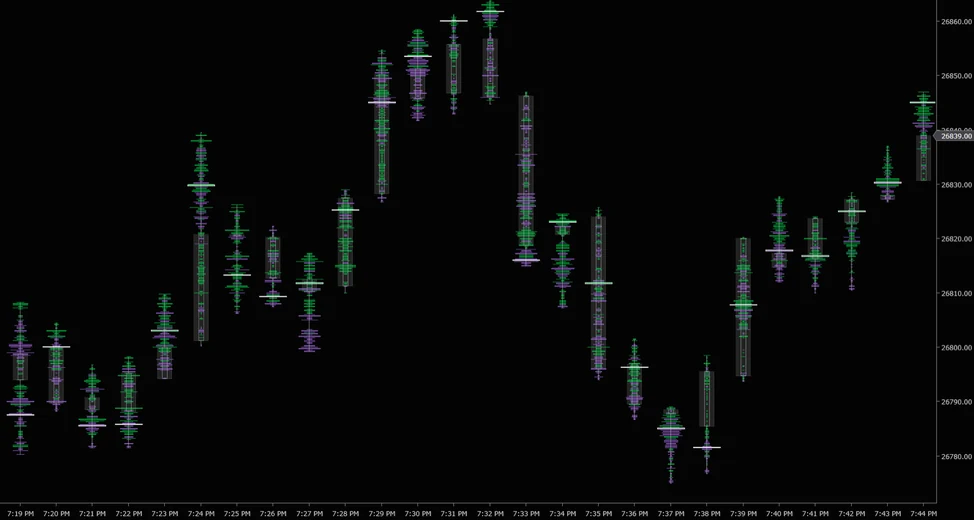
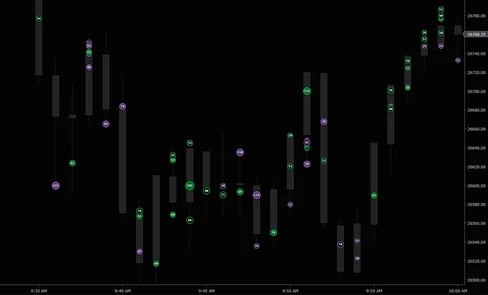
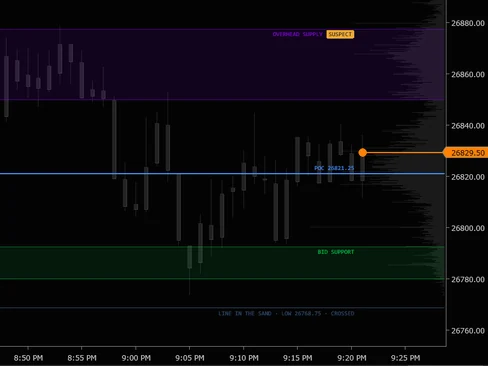
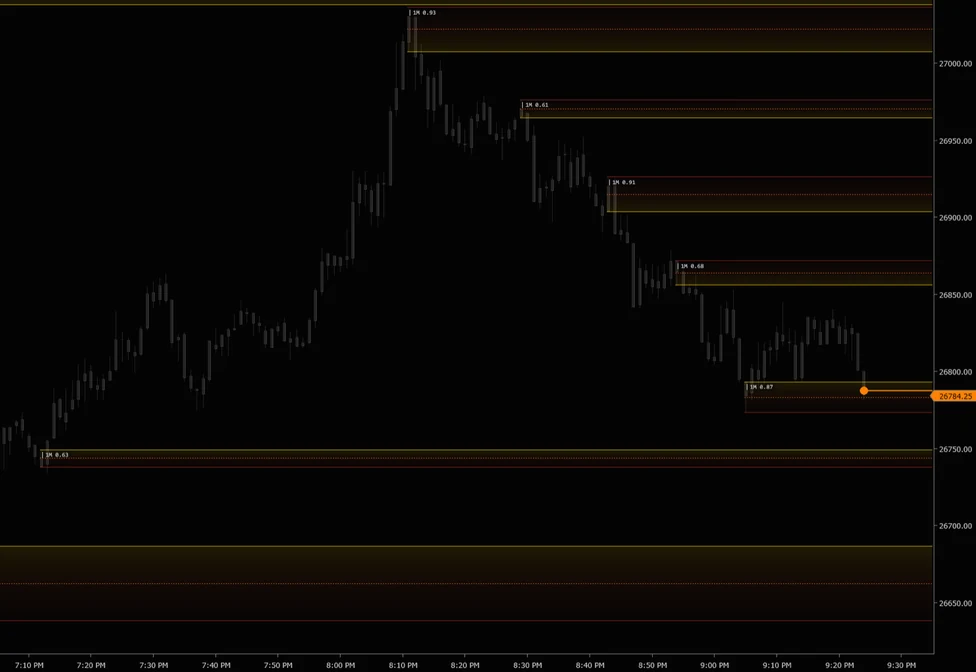
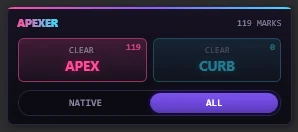
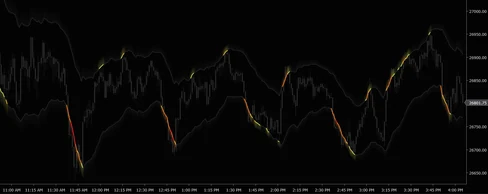
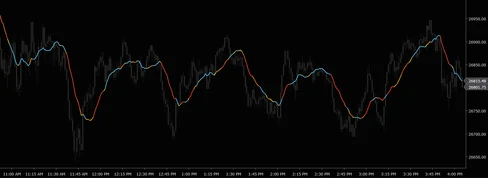
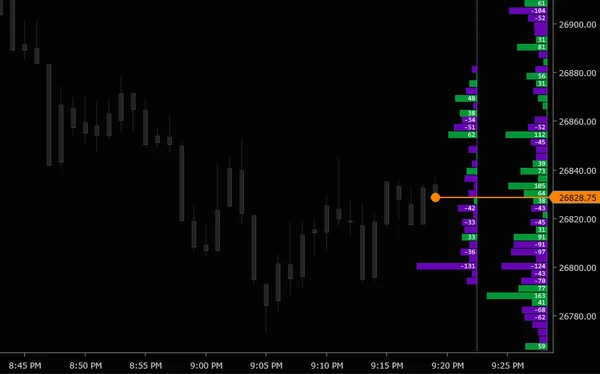
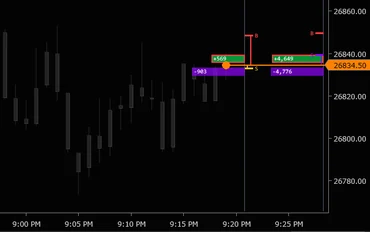
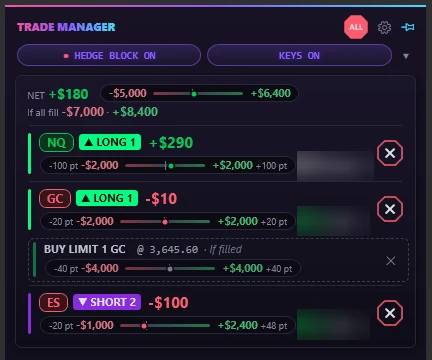
Here is what some of them look like on a chart.
Every picture below is a screenshot from Christopher's own NinjaTrader 8 charts. These are a few of the forty-eight indicators and nine add-ons that come with membership.
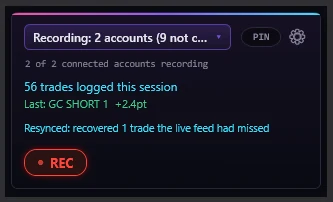
Your closed positions write their own record.
The NinjaTrader add-on records every position you close, including instrument, entry, exit, size and time, then pushes it to your web journal. Open it on any device. You don't need a spreadsheet or a P&L screenshot, and you don't retype fills.
It also writes a CSV to your own disk, which stays yours after membership ends. In the Aquarium, your rank's creature swims through a three-dimensional terrain of net points across every hour and weekday.
You have company during market hours.
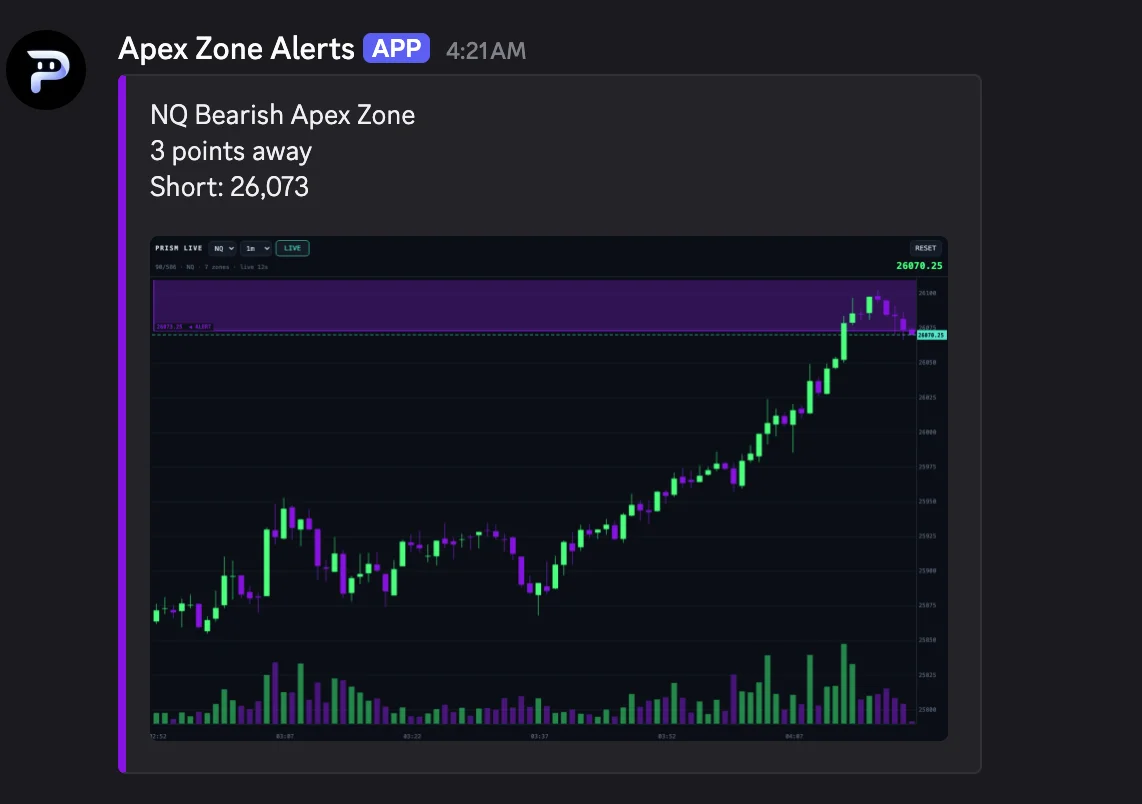
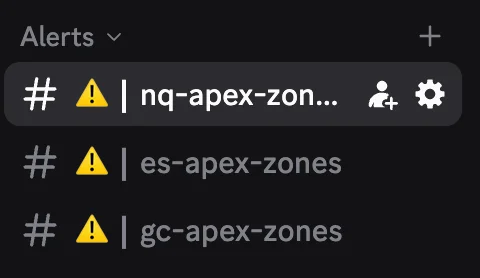
Spend market hours in the trade room and follow bot-fed alerts in dedicated channels. Questions get answered in the member channels, and Christopher's team provides support.
Pair your tools with your account.
- Import
Import one add-on zip through NinjaTrader's Tools > Import menu.
- Compile
Let NinjaTrader compile the files once.
- Pair
Enter the six-character pairing code on your Pogfish account page to claim the machine. That pairs every Pogfish tool on it, including tools you install later.
You can use two computers; pair each one. Eleven tools need Tick Replay switched on to build history, and each says so in its own description.
Your indicators and your trade records are yours forever.
Membership is $29.99 a month. That's it. There's no setup fee or free trial, and you can cancel from your billing page at any time, effective at the end of your most current paid period.
What you keep:
Every indicator you install stays on your computer with your settings intact, and each one that reads your own chart data keeps drawing. Your journal also writes a CSV of every closed trade to your own disk, so the whole record of your trading stays with you and opens in any spreadsheet, for as long as you want it.
What stops when you cancel:
The Pogfish data service stops feeding the few tools that rely on it, which are levels, gamma and zones. Journal sync stops, support ends, and new releases and updates stop arriving. Discord access ends after a fourteen-day grace period, and you have thirty days to sign in and export your journal history.
Fixes and compatibility updates arrive with membership, so a file you keep can eventually stop working after a future NinjaTrader release.
Check that Pogfish fits your setup.
- NinjaTrader 8 requires Windows.
The indicators are NinjaScript and compile inside NinjaTrader 8 on Windows. There is no web-only version or TradingView build, and neither Thinkorswim nor MetaTrader is supported.
- Macs need Windows.
On a Mac, run NinjaTrader under Windows in Parallels or use Boot Camp on an older Intel Mac. The journal opens in any browser.
- Launch covers two countries.
Pogfish is available only in the United States and Canada at launch. We are busy working to expand into the rest of the world.
- You make the trading decisions.
Pogfish provides software for education and entertainment; nobody here is a registered adviser, and nobody is registered as a broker or CTA. We won't tell you what to buy, and every trade you take is yours.